Enhance Your Images Using ChatGPT: AI Image Creation & Pro-Level Tricks
Discover how to enhance and generate stunning images using ChatGPT and AI tools. Learn practical tricks, prompts, and workflows to create high-quality visuals for social media, branding, and professional projects—even with zero design experience.

hussien mekawy
AI & Software Developer | Tech Content Creator 🚀
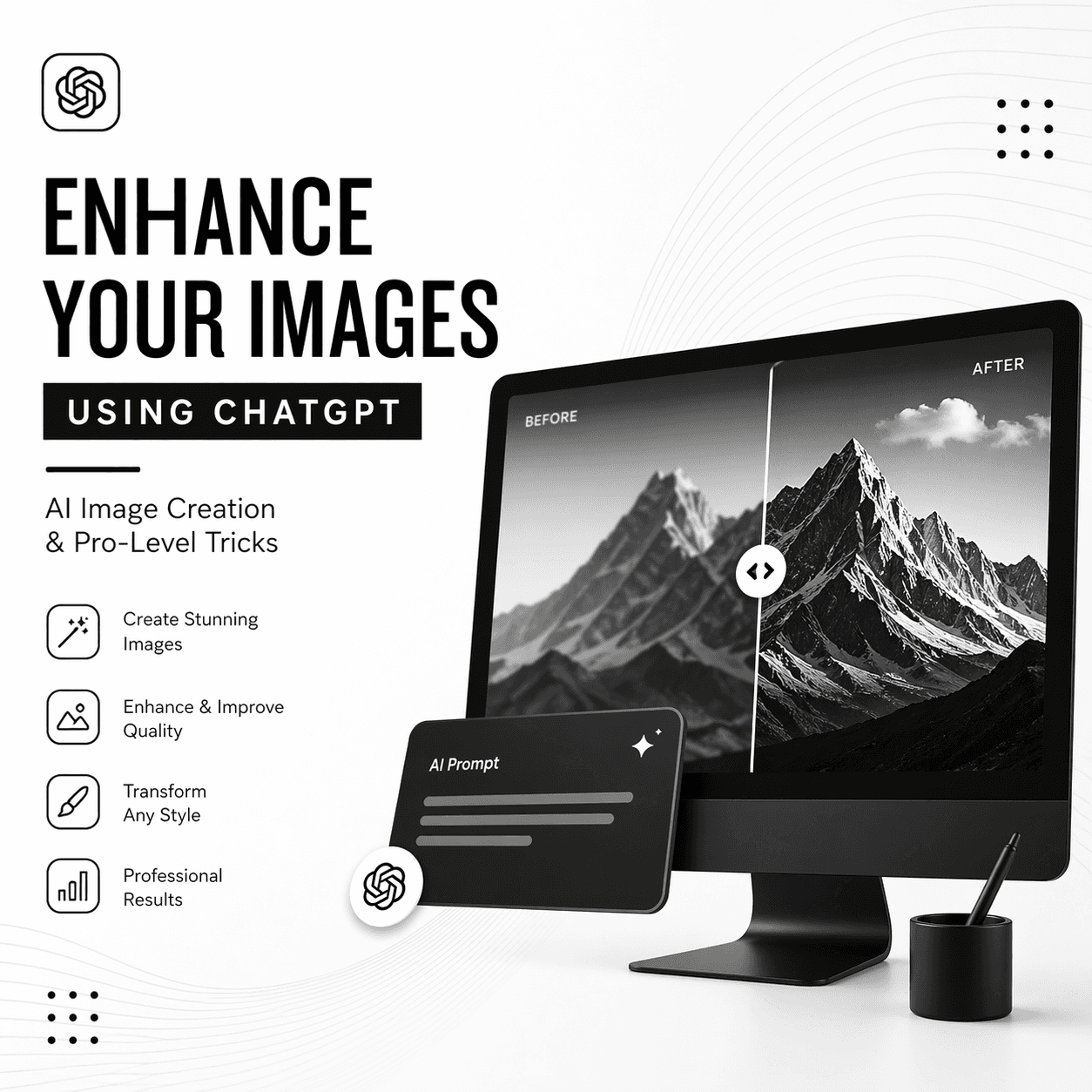
Enhance Your Images Using ChatGPT: AI Image Creation & Pro-Level Tricks
In the age of artificial intelligence, creating and enhancing images is no longer limited to professional designers. With tools like ChatGPT and AI-powered image generators, anyone can produce stunning visuals in minutes. Whether you're building a brand, creating content, or improving product photos, AI is your new creative partner.
1. Create Images from Text (Text-to-Image Magic)
One of the most powerful features is generating images from simple text prompts. You describe what you want, and AI brings it to life.
Example Prompt:
"A minimal black and white elegant logo of a denim brand, modern style, clean lines, 1:1 ratio"
The more detailed your prompt, the better the result. Include style, colors, lighting, mood, and composition.
2. Enhance Existing Images
You can upload an image and ask AI to improve it. Common enhancements include:
- Sharpening blurry images
- Improving lighting and contrast
- Removing background
- Upscaling resolution
Example Request:
"Enhance this image, improve lighting, make it more professional, and sharpen details"
3. Use Style Transformation
AI can completely transform the style of an image:
- Turn photos into illustrations
- Convert images into cinematic shots
- Apply vintage, futuristic, or minimal styles
Example Prompt:
"Convert this image into a cinematic movie scene with dramatic lighting"
4. Master Prompt Engineering
The secret to amazing AI images is writing better prompts. Combine these elements:
- Subject: What is in the image?
- Style: Realistic, cartoon, minimal, futuristic
- Lighting: Soft, dramatic, neon
- Camera: Close-up, wide shot, 4K
- Aspect Ratio: 1:1, 16:9
5. Create Branding Assets
You can generate:
- Logos
- Social media posts
- Product mockups
- Website visuals
This is especially useful for startups and small businesses that want professional visuals without hiring designers.
6. Combine ChatGPT with Other Tools
For best results, combine AI tools:
- Use ChatGPT to write prompts
- Use image generators to create visuals
- Use editing tools to finalize the image
7. Pro Tips for Better Results
- Always iterate: generate multiple versions
- Keep prompts clear and specific
- Use references (e.g., “like Apple style” or “cinematic lighting”)
- Stick to consistent style for branding
Conclusion
AI is revolutionizing how we create and enhance images. With ChatGPT and image generation tools, you can produce high-quality visuals faster than ever before. The key is learning how to guide the AI with the right prompts and creative direction.
Start experimenting today, and turn your ideas into stunning visuals with just a few words.